Local encrypted private gallery

Private photos, encrypted and kept on your phone.

Photos and videos are encrypted on this device. No account is needed, and nothing reaches our servers. Combine Tags to find anything in seconds.

  • Encrypted on device
  • No account, no ads
  • Free to start
  • Encrypted on your device

    Files are encrypted on your phone and never sent to ForgerWise.

  • Open, standard ciphers

    AES-256-GCM or XChaCha20-Poly1305, your choice.

  • No account, no ads

    The free version needs no sign-up and has no ads or tracking.

  • You hold the key

    Only you know the Vault password. ForgerWise cannot read it.

Core features

Three things, done well.

Encrypt it, find it fast, and truly hide it. Everything else is a bonus.

01 · Encrypted Vault

Encrypted the moment you import

Pick photos or videos and the app encrypts them on this device, verifies integrity, and stores them in your Vault.

  1. 1Select filesImport from your gallery or system share
  2. 2Encrypt on deviceNo server involved
  3. 3Verify and storeAny damaged chunk is rejected
  • Biometric quick unlock
  • Two ciphers to choose from
  • Local backups that restore on a new phone
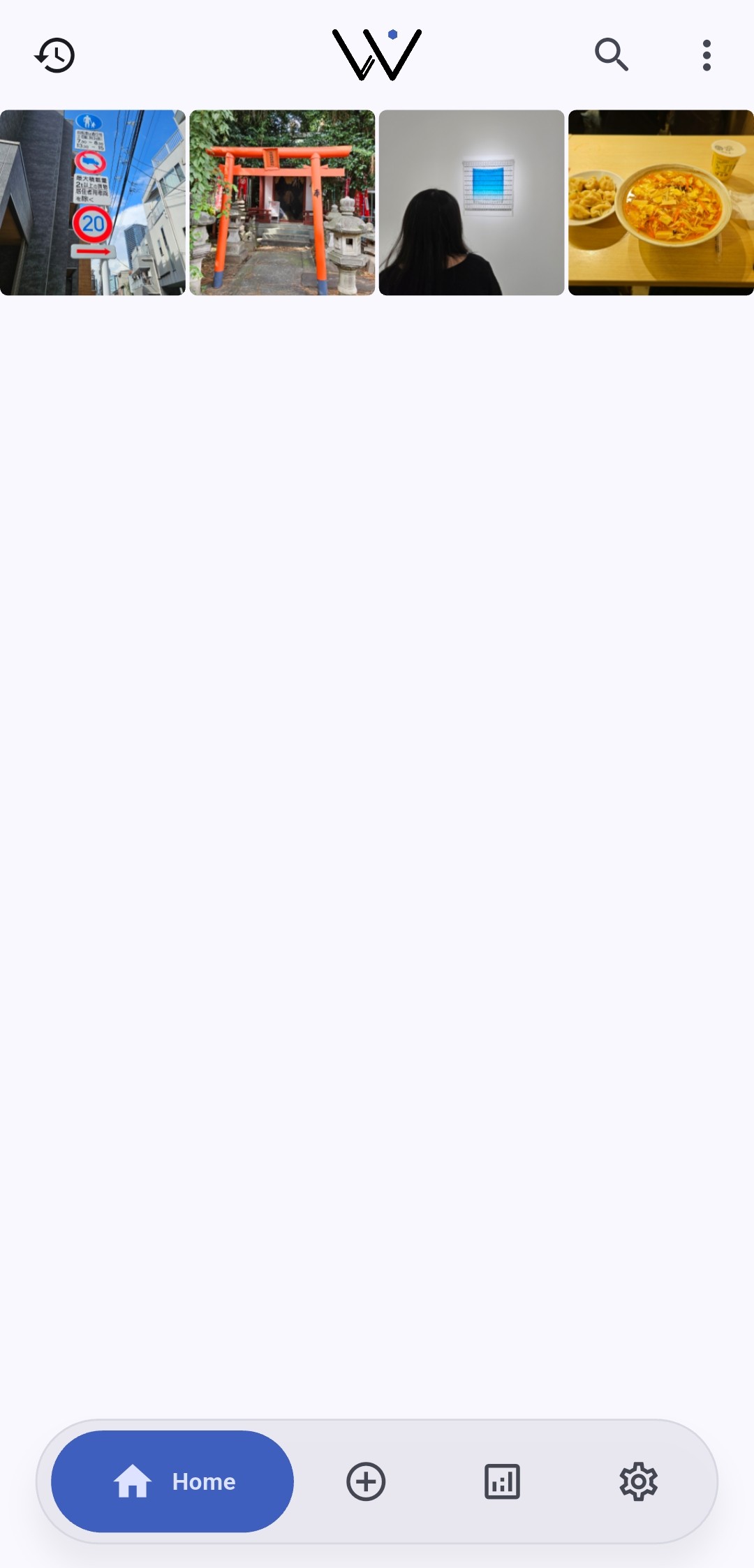
Encrypted photos on the Wiser Locker home screen

02 · Tags and Filters

One memory, many ways to find it

A file can carry several Tags. Combine people, places, or events to narrow results in seconds.

  • Match any, match all, or exclude
  • Save Filters and apply them in one tap
  • Unlimited Tags and saved Filters

Select Tags and see the results change

Showing all examples3 results
Two friends posing together while traveling
# Friends# Travel
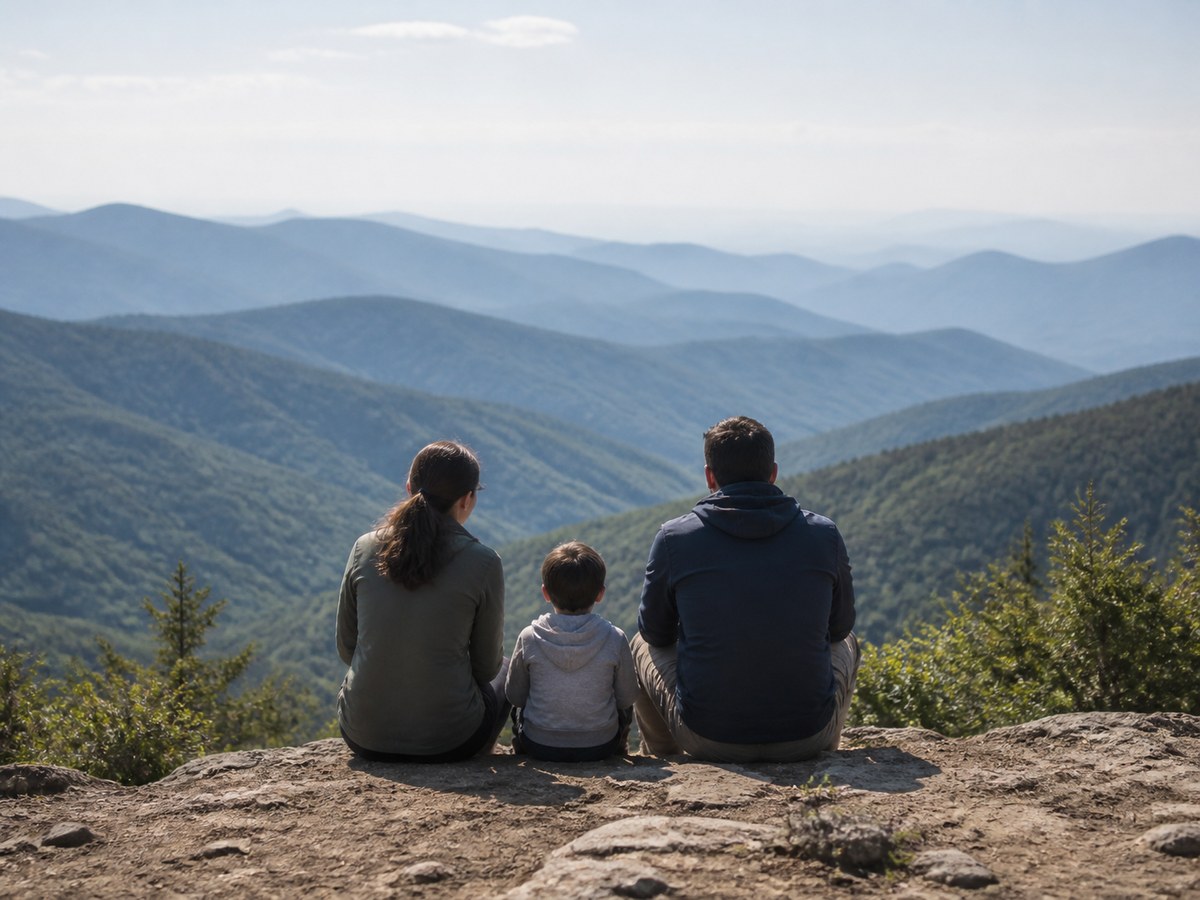
A family photo taken during a mountain trip
# Family# Travel# Important
A family Christmas photo taken indoors
# Family# Christmas

03 · Hidden Space

What you hide cannot even be searched

The Hidden Space is a separately encrypted layer inside your Vault. Opening it takes the Vault password first, then the Hidden Space password. Either one alone shows nothing.

  • While closed, items in the Hidden Space never appear on Home, in Tags, Filters, or search
  • The Home title turns gold while the Hidden Space is open
  • Setup issues a Recovery Key in case you forget the Hidden Space password
Read the security whitepaper
  • Hidden Space passwordBronze

    A second lock beyond the Vault password, guarding only the Hidden Space.

  • Duress ResponseSilver

    The duress password resets the entire Vault at once. No countdown, no cancel. Back up before enabling it.

And more

Also worth knowing

  • Cloud sync & backup

    End-to-end encrypted in your own Google Drive. One Vault on every device, 30 days to recover changes.

  • Shuffle Play

    Swipe up and down to revisit photos and videos at random.

  • Local backup

    The whole Vault in one encrypted file.

  • Biometric unlock

    Fingerprint or face, open in a second.

  • Local analytics

    Media mix and Tag relationships, computed on the device.

  • Background auto logout

    Locks itself after you leave the app for a while.

Membership plans

Start free, upgrade when you need to

The Basic plan is free and needs no account. Bronze and Silver unlock the Hidden Space and more security controls.

Basic

Encrypted gallery and Tag organization, all free.

FreeNo account or subscription required

  • On-device encrypted private Vault
  • Photos and videos
  • Choice of cipher
  • Unlimited Tags
  • Unlimited saved Filters
  • Local backup
  • Biometric unlock
  • Shuffle Play
  • Shuffle Play with Filters(not included)
  • Advanced local analytics(not included)
  • Hidden Tags(not included)
  • Hidden Space password(not included)
  • Duress Response(not included)
  • Background Auto Logout(not included)
  • Android Force Exit(not included)
  • Security Logs(not included)
  • Cloud sync & backup(not included)
Get Wiser Locker

Bronze

Adds the Hidden Space, Shuffle Play Filters, and advanced analytics.

US$1.49/ monthActual price shown by Google Play for your region

  • On-device encrypted private Vault
  • Photos and videos
  • Choice of cipher
  • Unlimited Tags
  • Unlimited saved Filters
  • Local backup
  • Biometric unlock
  • Shuffle Play
  • Shuffle Play with Filters
  • Advanced local analytics
  • Up to 5 Hidden Tags
  • Hidden Space password
  • Duress Response(not included)
  • Background Auto Logout(not included)
  • Android Force Exit(not included)
  • Security Logs(not included)
  • Cloud sync & backup(not included)
Get Wiser Locker

Cloud sync & backupOptional and included with Silver: end-to-end encrypted data in a hidden app folder in your own Google Drive, one Vault shared by all your devices, and 30 days to undo deletions and edits. ForgerWise cannot read it.

FAQ

Frequently asked

Where files live, what happens if you forget a password, and how backups and expired memberships work.

Where are my files stored?

Imported photos and videos are encrypted inside the Vault on this device. Decrypted exports are stored at the destination you choose and are no longer protected by Vault encryption.

Can I use it without an account?

Yes. Wiser Locker has no account system of its own. Memberships are purchased through Google Play, and Cloud sync & backup only asks you to sign in with Google to use your own Google Drive.

Can a forgotten Vault password be recovered?

No. No one, including ForgerWise, can recover or reset the Vault password. Keep your primary Vault password and usable .wlz backups safe.

What if biometrics stop working?

Unlock with the primary Vault password. Biometrics are a daily shortcut, not a replacement for that password.

Does Wiser Locker upload my photos?

Not to ForgerWise. The Vault is created on this device. If you turn on Cloud sync & backup (Silver), end-to-end encrypted copies go to a hidden app folder in your own Google Drive, which ForgerWise cannot read. Optional product analytics sends allowlisted events only after consent and excludes file content, names, Tags, passwords, and Vault statistics.

What does a local backup contain?

A .wlz is a complete encrypted Vault snapshot. Its password is separate from the current Vault password, and restoring it replaces the current Vault state.

How do I open the Hidden Space?

Unlock the Vault with your Vault password, then enter the Hidden Space password. Both are required. Closing the Hidden Space returns everything to the normal view. If you forget the Hidden Space password, the Recovery Key saved at setup can reset it.

Can I still use my local Vault after membership expires?

Yes, core local Vault use returns to the Basic plan. Paid features follow current entitlements. If Cloud sync & backup was on, syncing stops, but your local data stays and you can still download your cloud data. Your local Vault is not deleted simply because membership expires.


Your private space should remain in your control.

Start free and lock away the memories that matter.

Get Wiser Locker